Branch Quick Links
Marketing links that just work
Create pathways to your app that users can recognize and trust.
Your deep link URLs should reflect your brand
Use Branch Quick Links to customize redirects, analytics information, and social media tags. Existing users will associate your links with the brand you’ve built, and new users will trust that the link will route them to the app content they intend to view.
Where can I use Branch Quick Links?
Create Quick Links for social media, blog posts, influencer campaigns, and more. Branch handles all the edge cases so your links work everywhere, every time. You get individual link-level analytics to track exactly what’s performing.
Want to see how a Branch Quick Link opens your app?
Quick Link creator
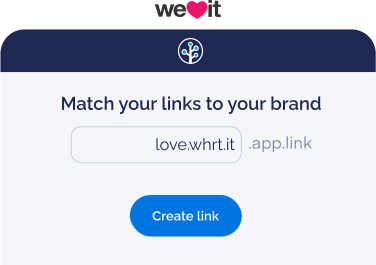
Create Quick Links in seconds
Branch’s Quick Link creator lets anyone on your team create deep links to app content by pasting in a web URL — no technical skills required.
Branch automatically pulls social media information, or OG tags, from the web link and generates a preview of how your link will appear on social platforms. No guessing or testing required.
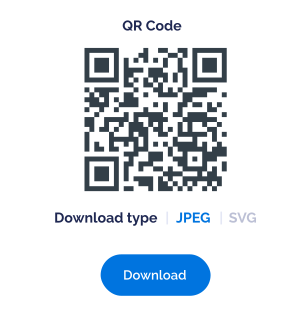
Pro tip: The Quick Link creator generates QR codes too.
Chrome extension
Create links on the go
Create Branch links and QR codes directly from any page with our Chrome extension — no need to switch tabs or leave what you’re working on.


Quick Links create pathways to your app that users can recognize and trust. Learn how to get started with Branch Quick Links.
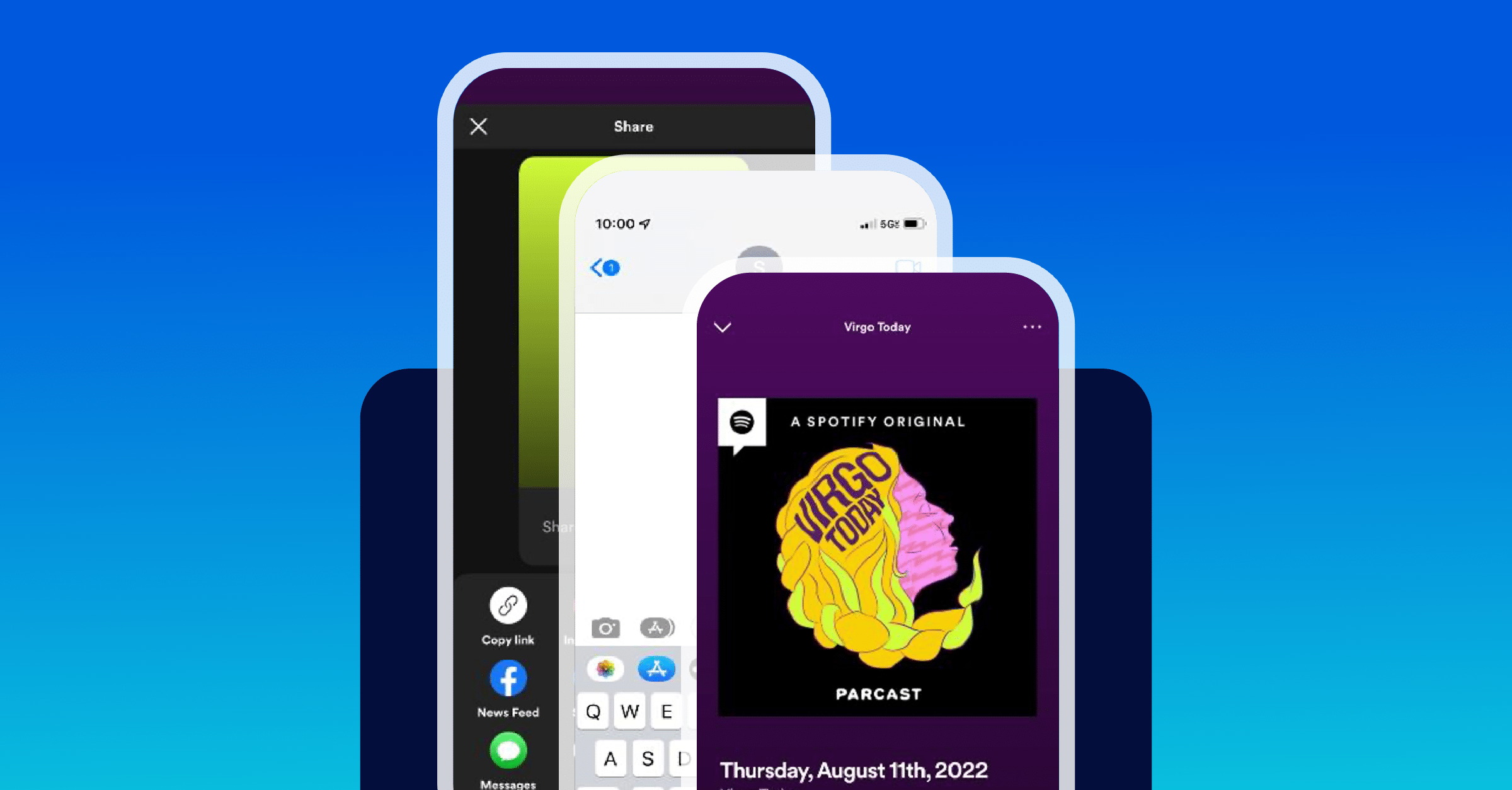
The best way to overcome sharing challenges is to create deep links and attribute shared content. These shared links create informative Deepviews, which auto-open the app and take users directly to specific content deep within the platform. This ensures clicks and downstream events are attributable to that link and channel.